
The JamFam Hub
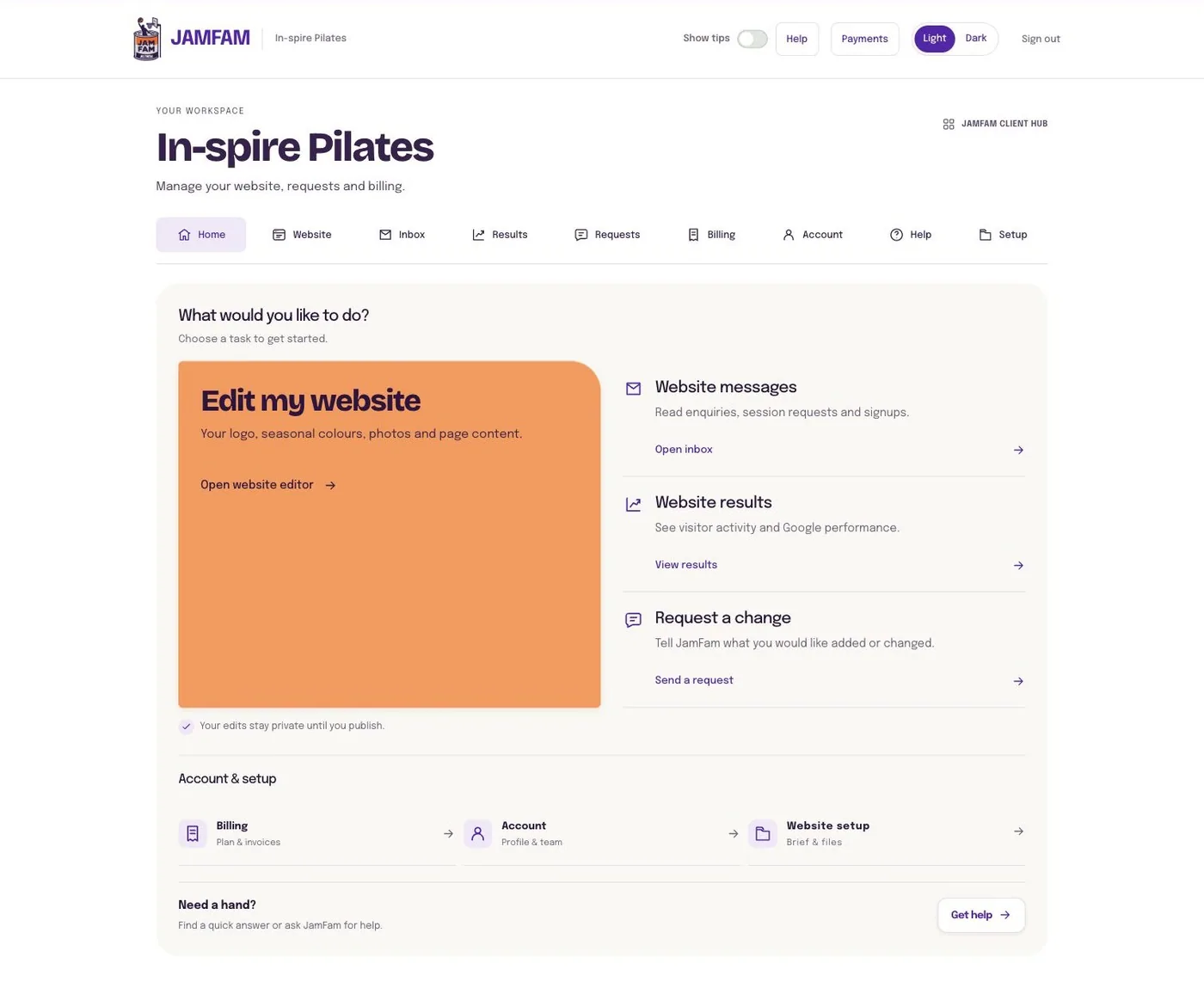
One dashboard to run your whole website. Change what you need, hit Publish, and get back to your business.
What you can do
Everything you'd normally email a designer about.
Edit your words
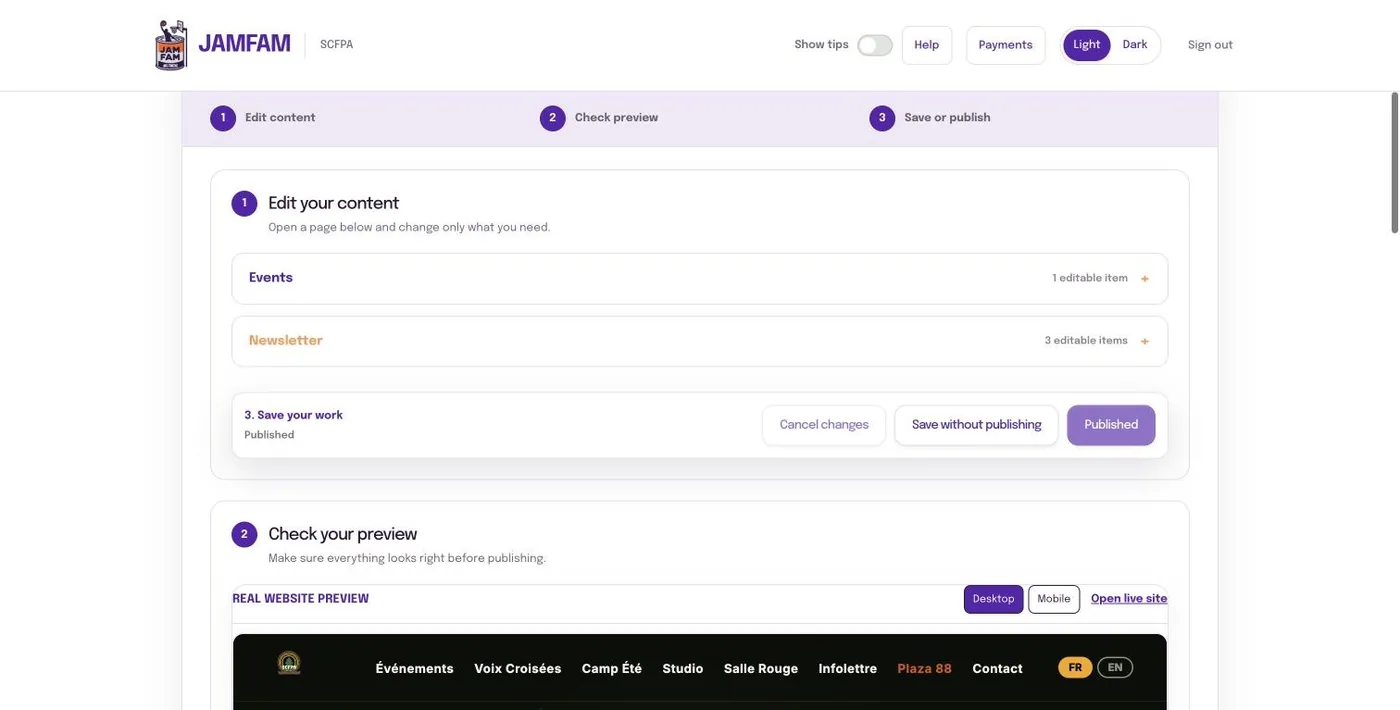
Headlines, hours, prices, menus, bios. Change the text and it updates across your site.
Swap your photos
Upload new gallery shots, staff photos and promo images. Remove old ones in a click.
One logo, everywhere
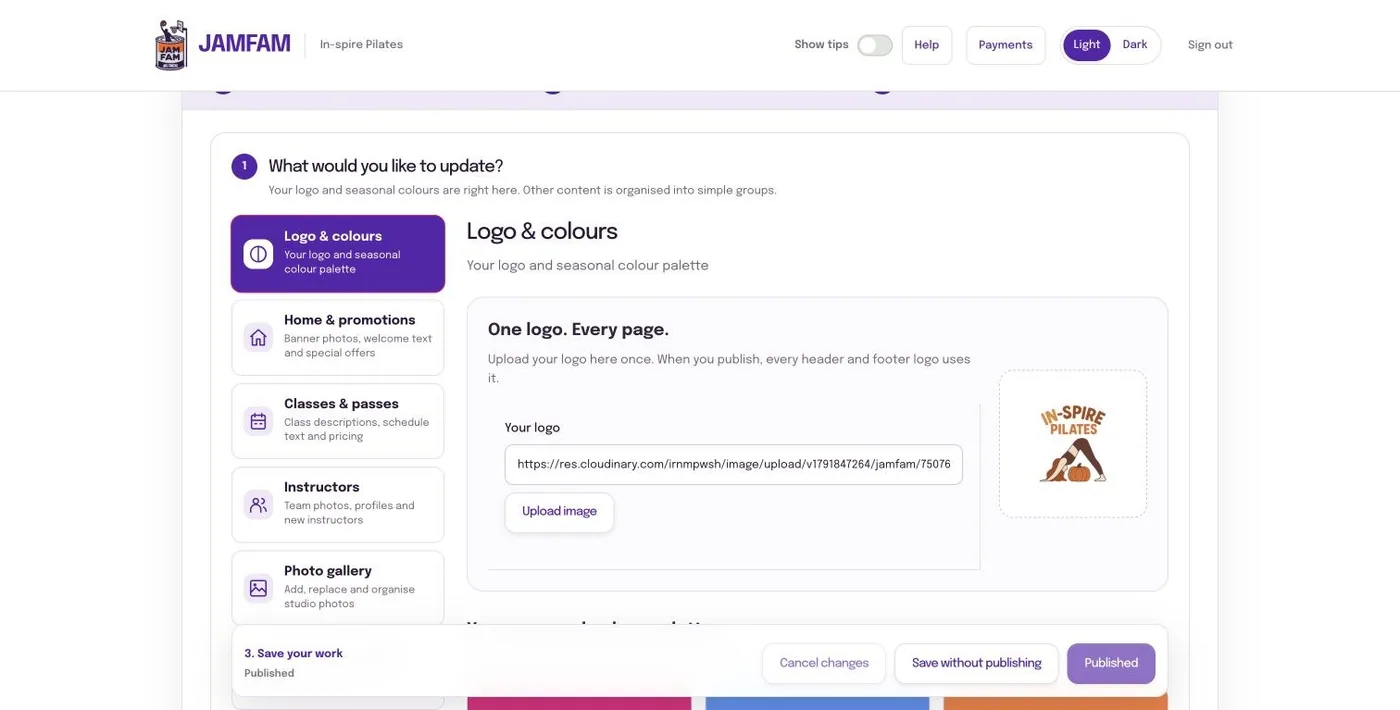
Upload your logo once. The header, footer and every page update together.
Run promos
Put a sale or announcement bar across the top of your site, then clear it when it ends.
Change the season
Switch your site's colours for fall, the holidays or a new campaign.
One forms inbox
Contact forms, booking requests, applications and newsletter signups, all in one place you can sort and export.
Four steps
We build your site
JamFam designs and builds it, with the parts you'll want to change set up as simple boxes.
You get a login
Your own Hub account. It only ever shows your site.
Make a change
Type new text, upload a photo or pick a colour.
Hit Publish
Your live website updates. No emails back and forth, no waiting.
Inside the Hub
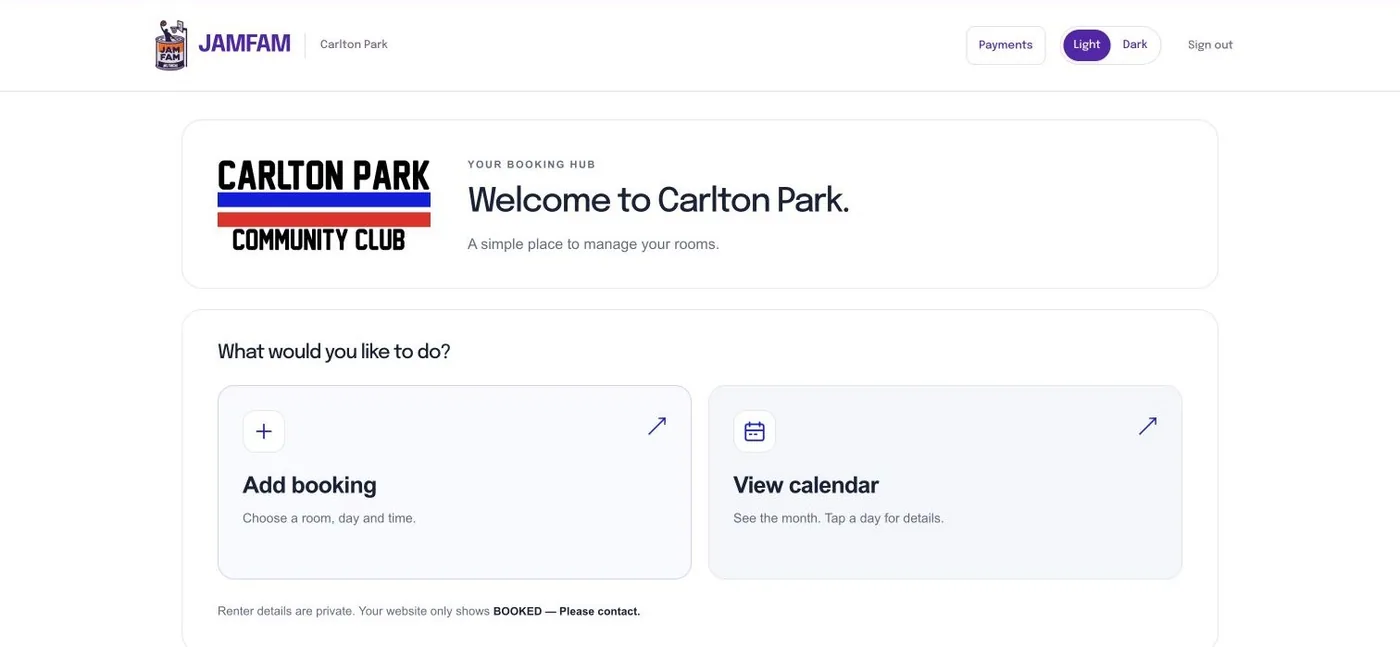
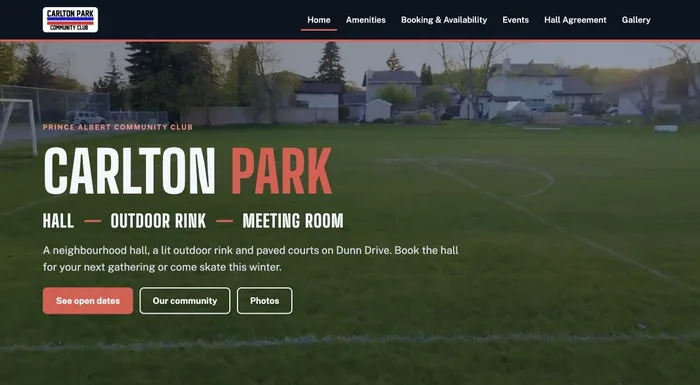
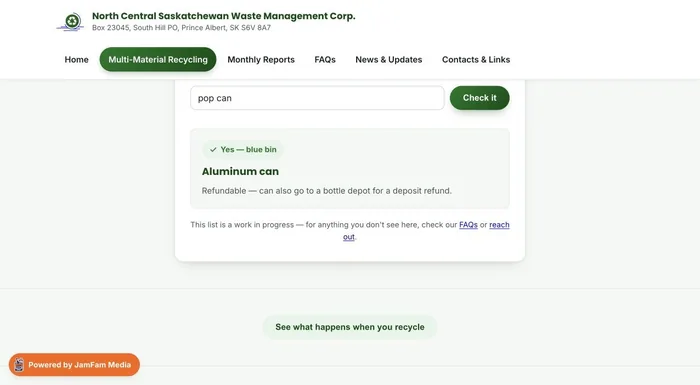
This is what In-Spire Pilates, SCFPA, Carlton Park and NCSWMC log into.


Without the Hub
- Email your designer for every typo
- Wait days for a price change
- Old promos stay up for months
- Messages scattered across inboxes
With the Hub
- Fix it yourself in a minute
- Update prices and hours today
- Promos on and off when you want
- Every form in one Hub inbox
The team is one request away
The Hub handles the everyday changes. For new pages, new features or a fresh look, send a request and JamFam takes it from there.
Hub FAQ
Do I need to be good with computers?
No. If you can fill in a form and upload a photo from your phone, you can use the Hub. Every box has a plain label like Homepage headline or Promo bar.
Can I break my website?
You only see the parts of your site that are set up for you to change. The layout and design stay locked, so your site keeps looking right.
What if I need a bigger change?
Send a request and the JamFam team handles it: new pages, new sections or a full refresh. A Care Plan keeps regular help covered.
Can my staff use it too?
Yes. We can set up logins for the people on your team who need them.
Where do my website's messages go?
Every form on your site, from contact to booking requests to newsletter signups, lands in your Hub inbox. You can mark them read or replied and export your list.
Can you move my current site over?
Yes. We rebuild your site on the Hub and can move you off Squarespace, Wix or an older site, keeping your domain.
Log in
Use the email and password JamFam set up for you. Forgot it? Reset it from the login page.
Get started
Tell us about your business and we'll show you what your Hub website could look like.